Overview
Map and overview
Vehicles, tools and other objects on one map, grouped in clusters. Search, filter and see which devices report.
In the guide →One platform for everything your company owns and moves: vehicles, tools, materials and the people who use them. Every object has a responsible person, a place and a history – and everyone sees only what they need.
Vehicles, tools and other objects on one map, grouped in clusters. Search, filter and see which devices report.
In the guide →See which tags are free and which are in use. Link tags to tools and people, and trackers to vehicles and sites.
In the guide →Driver, mileage, service intervals and service history. See which tools are in the vehicle right now.
GPS for vans →Responsible person, place, warranty and repairs. Status active, inactive, lost or in repair. Checks at set times.
Tool tracking →Consumables linked to a vehicle, a site or the company – with unit, responsible person, access and change history.
In the guide →Draw geofences on the map. Entries and exits are recorded automatically, and History of use lists every visit with start and end.
In the guide →Working time from presence on site, schedules per team and a notification if someone leaves the site during working hours.
Time registration →Trips with date, addresses and kilometres are recorded automatically. The purpose is added in a couple of clicks.
Driving log →Entry and exit of geofences, working time, lost connection and tools that are not with their vehicle or site.
In the guide →Geofences, groups of geofences, driving quality, trips and timesheets. Filter by period and object, and export to Excel.
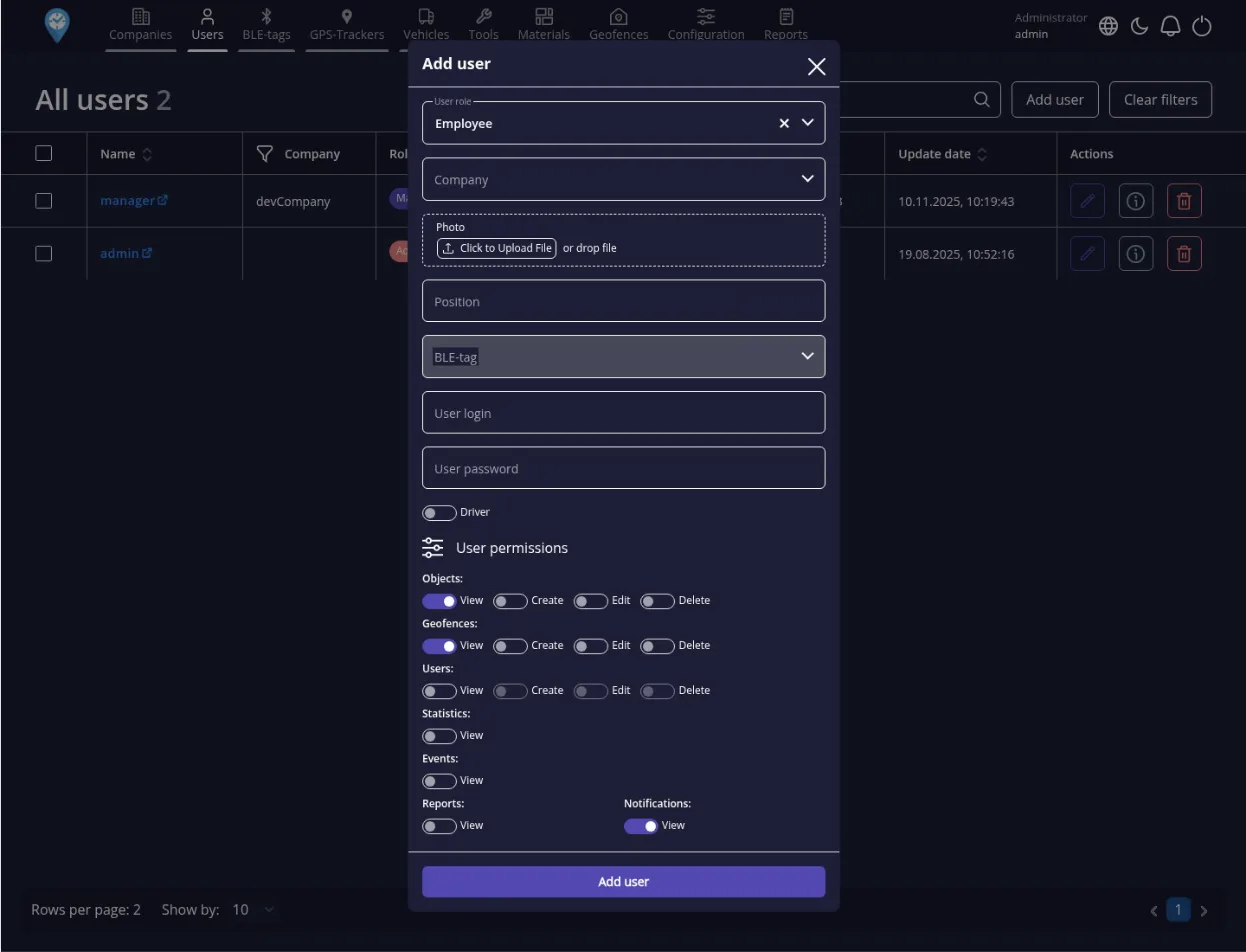
In the guide →Administrator, manager, employee and driver. Groups and sharing down to a single vehicle or tool.
In the guide →Several companies, departments or branches on one account with separated data – plus a log and statistics of what happened.
In the guide →Permissions are set per role and can be narrowed down to single objects. You can give more people access without giving everyone access to everything.
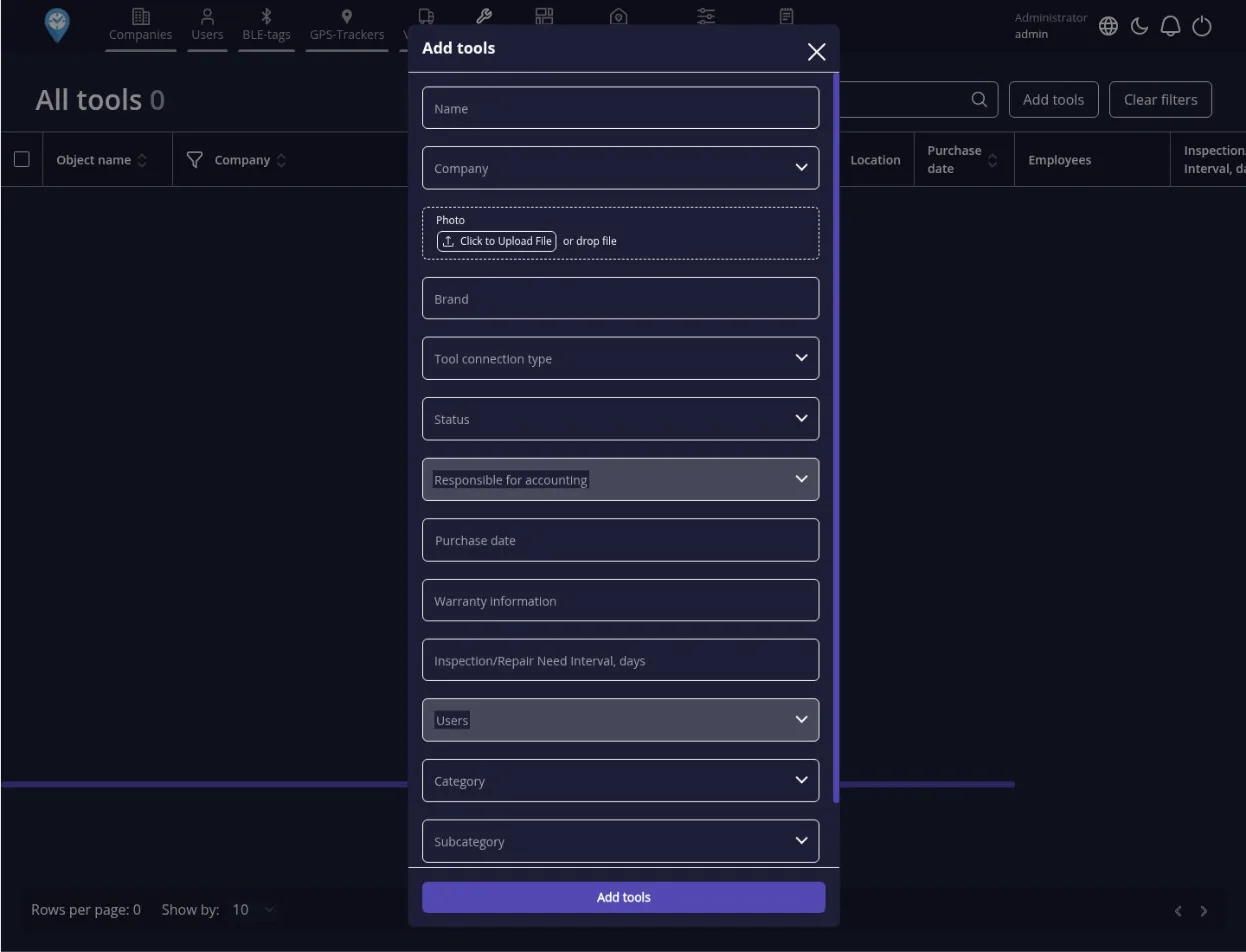
Every tool has a responsible person, a place and a status. At the times you choose, IFAPP checks that it is with its vehicle or site.
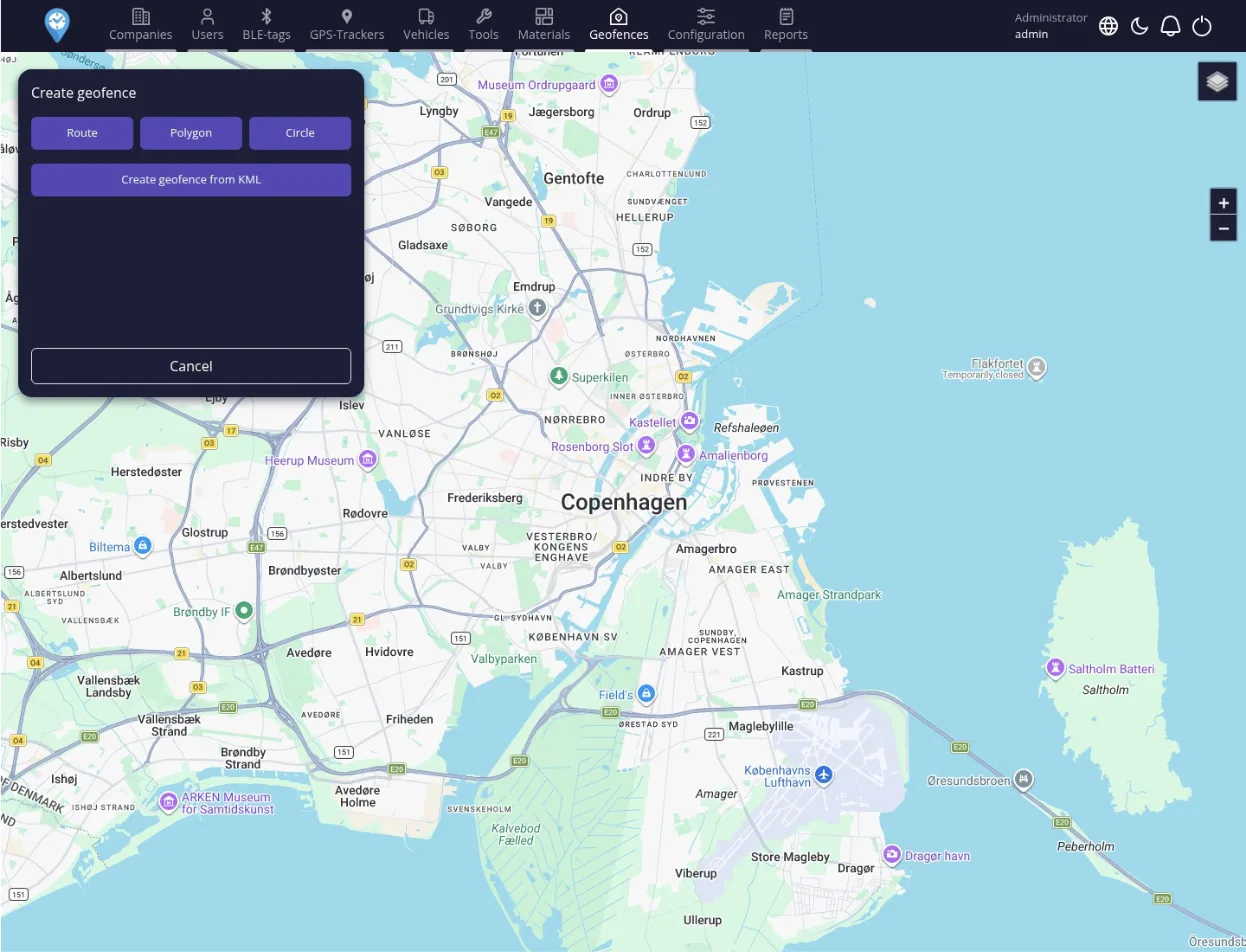
A geofence can be a warehouse, an office, a construction site or a zone of responsibility. The geofence card brings together company, owner, tracker and the materials and objects that belong there.
Managers and field staff see what the office sees: the map, vehicles, tools, materials and sites – within their own permissions. Notifications arrive straight on the phone.
No. Every feature on this page is included in the subscription: 159 DKK/month per device with SIM and 19 DKK/month per Bluetooth unit (7.50 DKK at 100+ devices with SIM).
Yes. One account can hold several companies, departments or branches with separated data and their own users.
Yes. IFAPP works in the browser at web.ifapp.eu and as a phone app with the same login. The App Store and Google Play buttons are above.
Yes. Our own developers can build integrations, reports and customisations. This is priced separately for each task.
Tell us briefly about your vehicles, people and sites. We call you back, visit you and show your own working day on the map. The meeting is free and without obligation.